iPhone appDIY & crafts

Saw it on Pinterest?Your shopping list in 90 seconds.

Take a photo of what you want to make. SnapToBuild lists the materials and tools you need, the order of the steps and what to buy, like it did for this wooden name board below.

Download on the App Store

Your first 3 analyses are free. After that, you need a subscription · iOS 18.6 or later
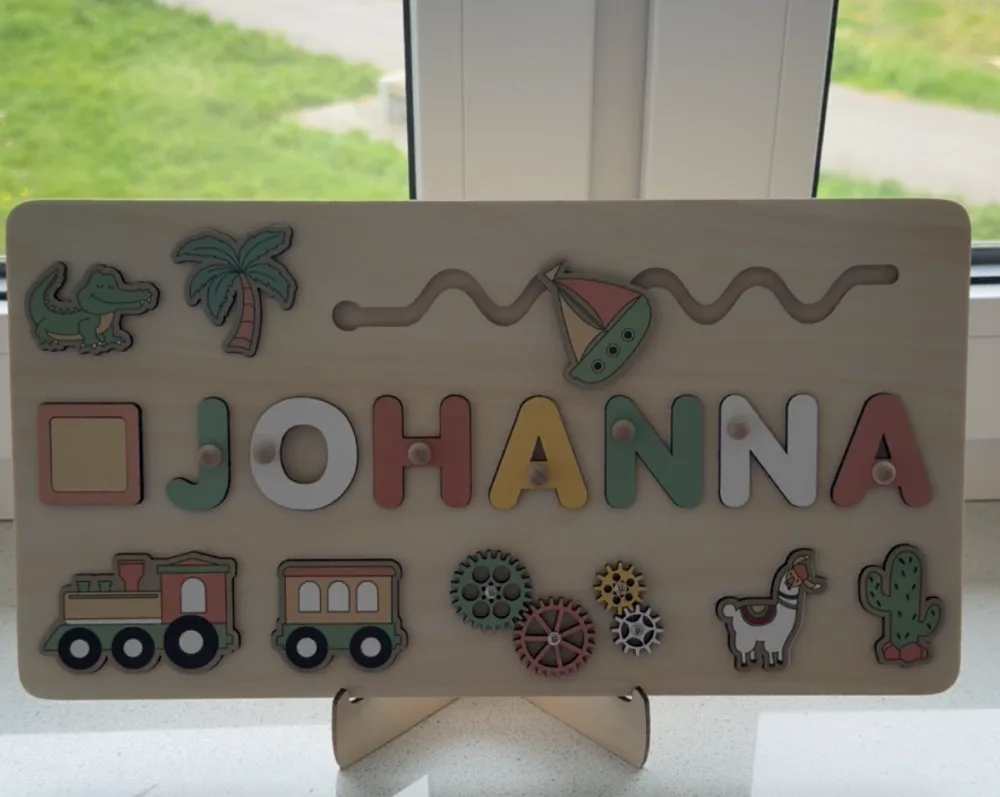
A colorful wooden name board with letters, animals and gears standing on a windowsill.
The photo. That's all the app needs.

What the app made of it

Customizable Wooden Name Puzzle Board for Kids

Category
Kids’ Toys & Learning
Style
Playful, educational
Size
18 inches wide × 12 inches tall × 0.5 inch thick

You'll need

  • 1pine plywood sheet (½″ thick, 18″ × 12″) for the puzzle base
  • 1 setwooden letters for spelling a child’s name (6–8 letters)
  • –assorted wooden puzzle pieces (animals, vehicles, shapes)
  • –non-toxic, child-safe paint in multiple colors
  • –non-toxic clear sealant or finish
  • –sandpaper (fine grit)

Tools

  • Jigsaw or scroll saw
  • Drill with ⅛″ drill bit
  • Sander or sanding block
  • Paintbrushes
  • Pencil
  • Tape measure or ruler
  • Clamps (optional)
  • Safety goggles
  • Dust mask

Steps

  1. Cut the pine plywood sheet to 18″ × 12″ for the puzzle base.
  2. Design and draw the layout on the plywood: space for name letters, puzzle tracks (like wavy lines), and locations for animal and vehicle pieces.
  3. Cut out the slots and paths with a jigsaw or scroll saw for the movable pieces to fit and slide.
  4. Smooth all edges well with sandpaper to avoid splinters; round corners for safety.
  5. Paint the individual wooden letters and puzzle pieces with non-toxic paint; allow them to dry completely.
  6. Apply a non-toxic clear sealant to the base board and pieces to protect the paint and wood; let dry thoroughly.

SnapToBuild wrote this list from a single photo. Quantities and sizes are estimates.

From photo to shopping list

Three steps in the app. These are real screens.

Example from the app: wooden name board

  1. Take a photo

    From Pinterest, a shop window or a friend's place: snap the project or upload a picture.
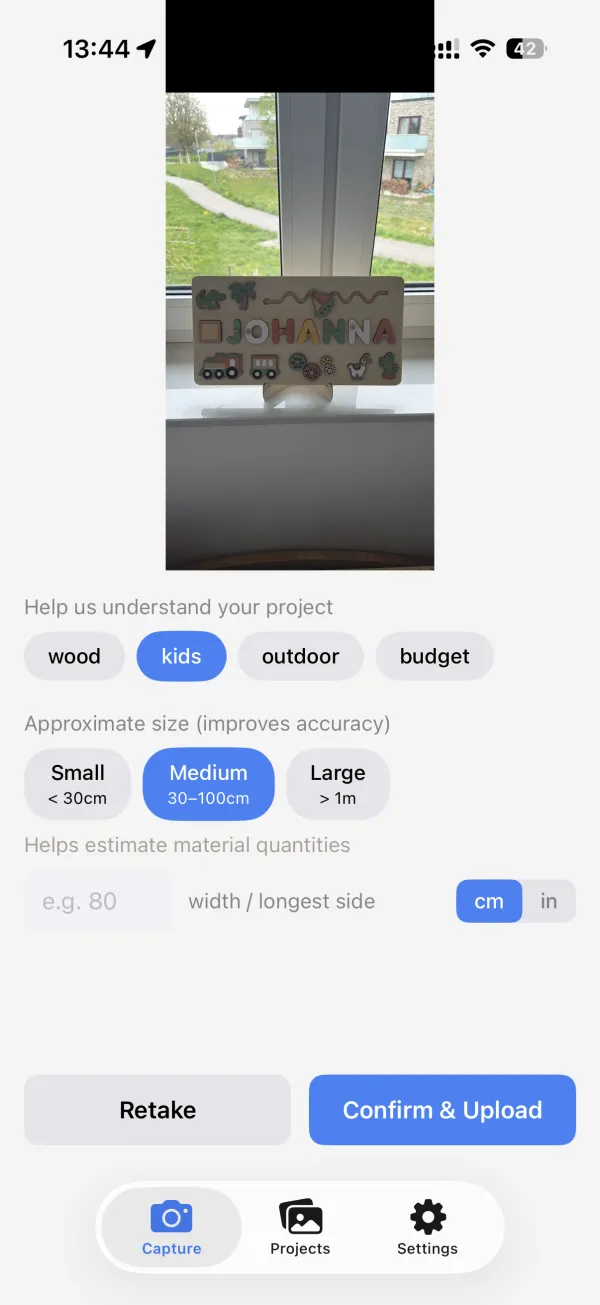
    App screen: the photo of the name board with options for project type and rough size
  2. Wait about 90 seconds

    The app identifies the technique and materials, estimates the size and writes down the steps in order.
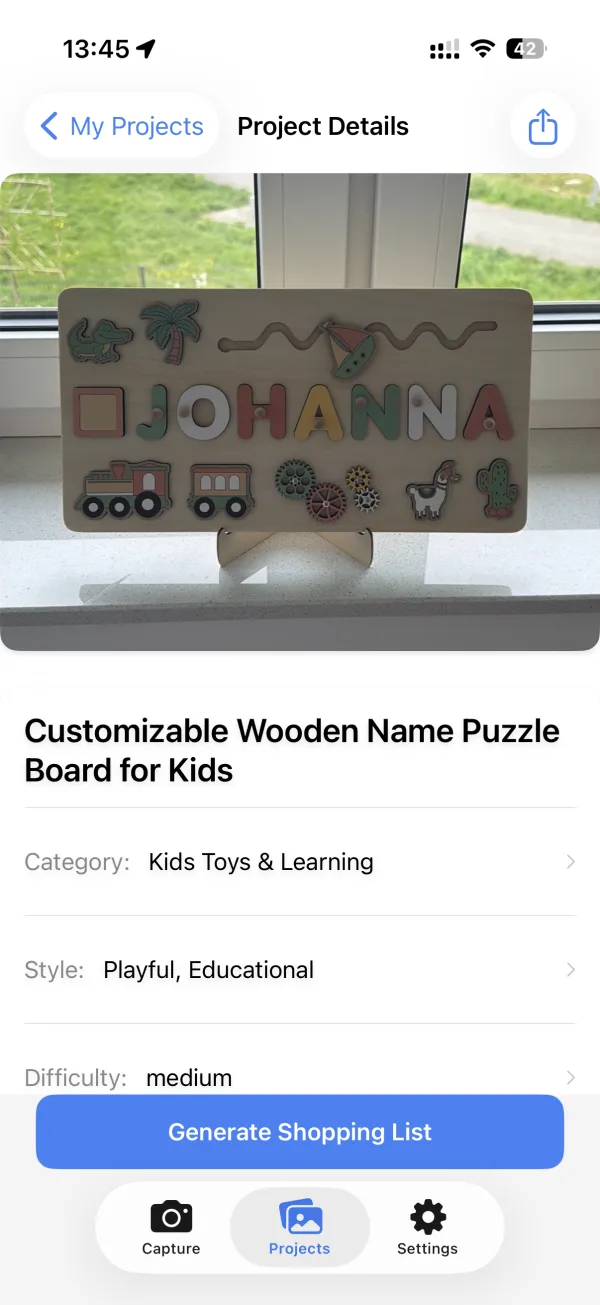
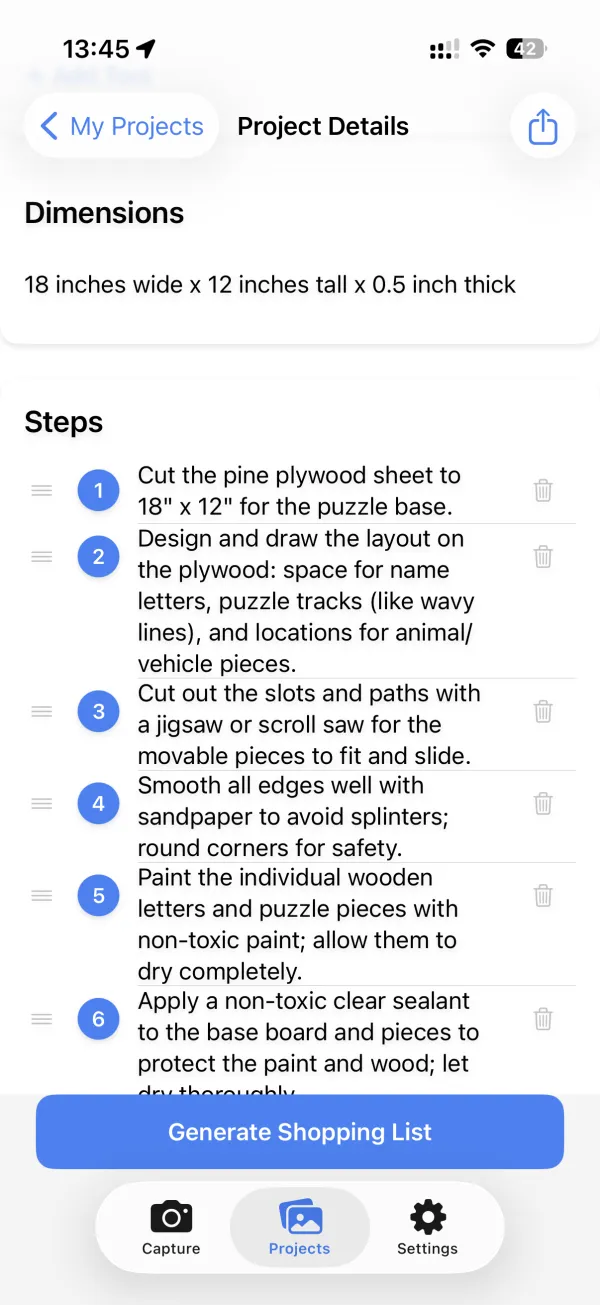
    App screens: project details with title, category, size and numbered steps
  3. Go shopping

    Everything you need to buy, with quantities. Copy the list with one tap for the store or an online shop.
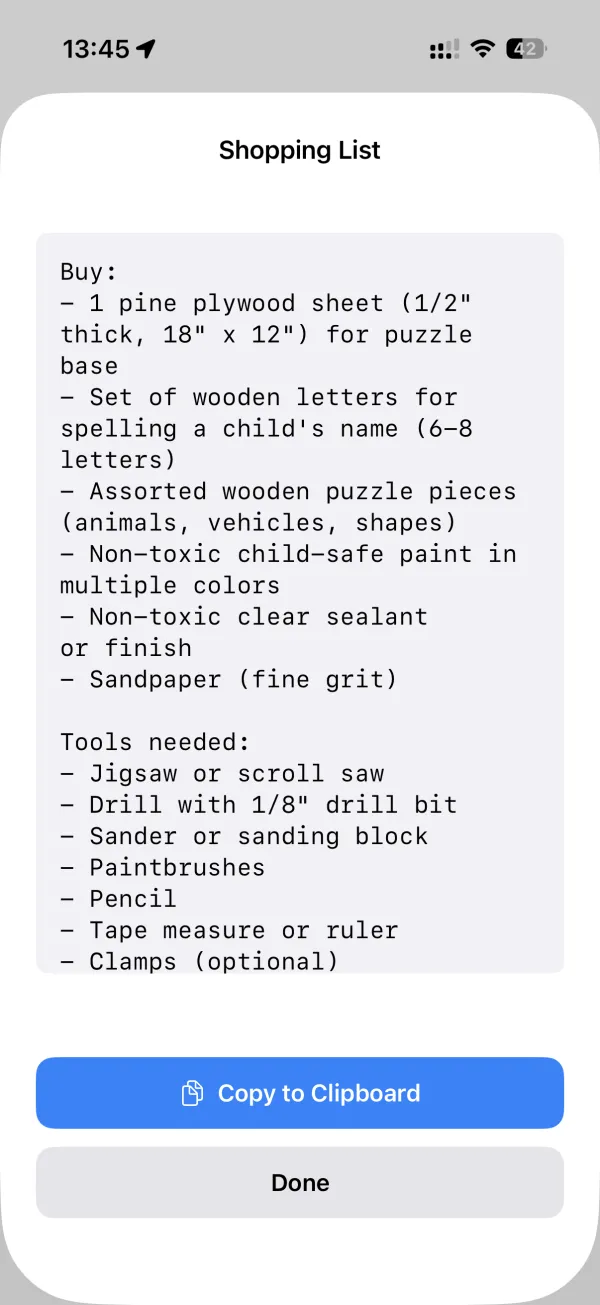
    App screen: shopping list with quantities and the copy button

What you get, and what you don't

What you get
Materials with quantities, tools, difficulty, steps, a shopping list
What you don't get
No stitch-by-stitch pattern, no pattern pieces. That's what pattern designers are for, and they deserve to be paid.

What you can make with it

The examples come from real projects in the app.

Sewing & embroidery

  • Fabric octopus stuffed toy
  • Sewn witch hat with decorative stitching

Also: bags, cushions, stuffed toys

Woodworking

  • Large wall shelf with wooden compartments
  • Sofa side table
  • Personalized wooden play board

Also: shelves, tables, raised beds

See woodworking

Garden, decor & repairs

  • Trash can shelter with a planted roof

Also: home decor, small repairs

Questions

Anything else? Write to us at support@snaptobuild.app.

How much does SnapToBuild cost?

Your first 3 analyses are free. For more, there's a subscription in the app.

Do I get a complete crochet or sewing pattern?

No. You get materials with quantities, tools and the steps in order, but no stitch-by-stitch pattern and no pattern pieces. It's enough to plan and shop, not to follow stitch by stitch.

How accurate are sizes and quantities?

They're estimates from the photo. The clearer the picture and the easier it is to judge the size, the better. Where the app is unsure, it tells you.

Which projects work?

Crochet, knitting, sewing, embroidery, woodworking and furniture, garden and decor. It works best with a photo that shows the whole piece.

Is SnapToBuild available for Android?

Not yet. The app is iPhone-only for now.

Can I share the shopping list?

Yes. Copy it with one tap and paste it into a message, a note or an online shop.

Does the app work offline?

The analysis needs an internet connection. You can view finished projects offline afterwards.